Form builder
Drag-and-drop form building with a live preview. No code, no IT ticket.
- Autosaved drafts
- Public or private forms
- Dynamic audiences
- Link and QR code sharing
- Anonymous forms
Forms & Signatures
Build a form, choose who fills it and who signs it, and track every submission to approval. People outside your company can fill and sign too, and receive a PDF copy.
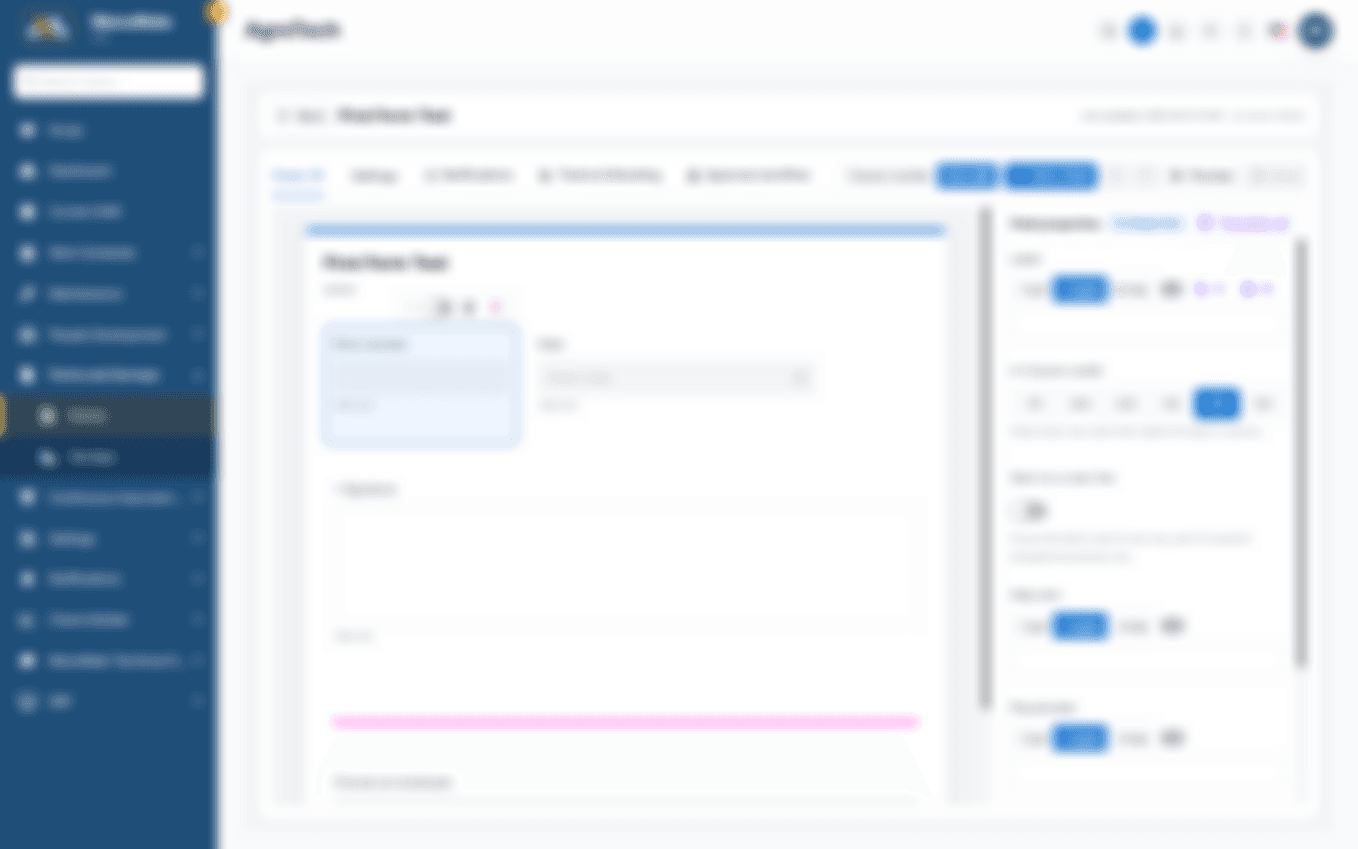
Drag-and-drop form building with a live preview. No code, no IT ticket.
Multi-step sign-off that matches the way your plant approves: one signer, all signers, or any number in between.
Contractors, suppliers, customers and visitors fill and sign through a verified personal link, and receive a PDF of their submission.

Submissions file themselves on the employee's training card.
In practice
Everyday situations, handled end to end.
Tell us how your plant works, and we'll show you what ManuMate can do for it.